 Introducing Visor
BETA
Introducing Visor
BETA
Options Analytics
Terminal for Day Traders
 Windows
Introducing Visor
BETA
Windows
Windows
Introducing Visor
BETA
Windows
Visor is a real-time options analytics terminal that connects to your data feed, via Interactive Brokers or GexBot, and surfaces dealer positioning mechanics as they unfold. Built for daytraders who want a clear read on gamma exposure, dealer hedging flows, and volatility structure in a single, streamlined workspace. Every session is automatically recorded for full replay, so nothing gets missed and every setup can be reviewed.
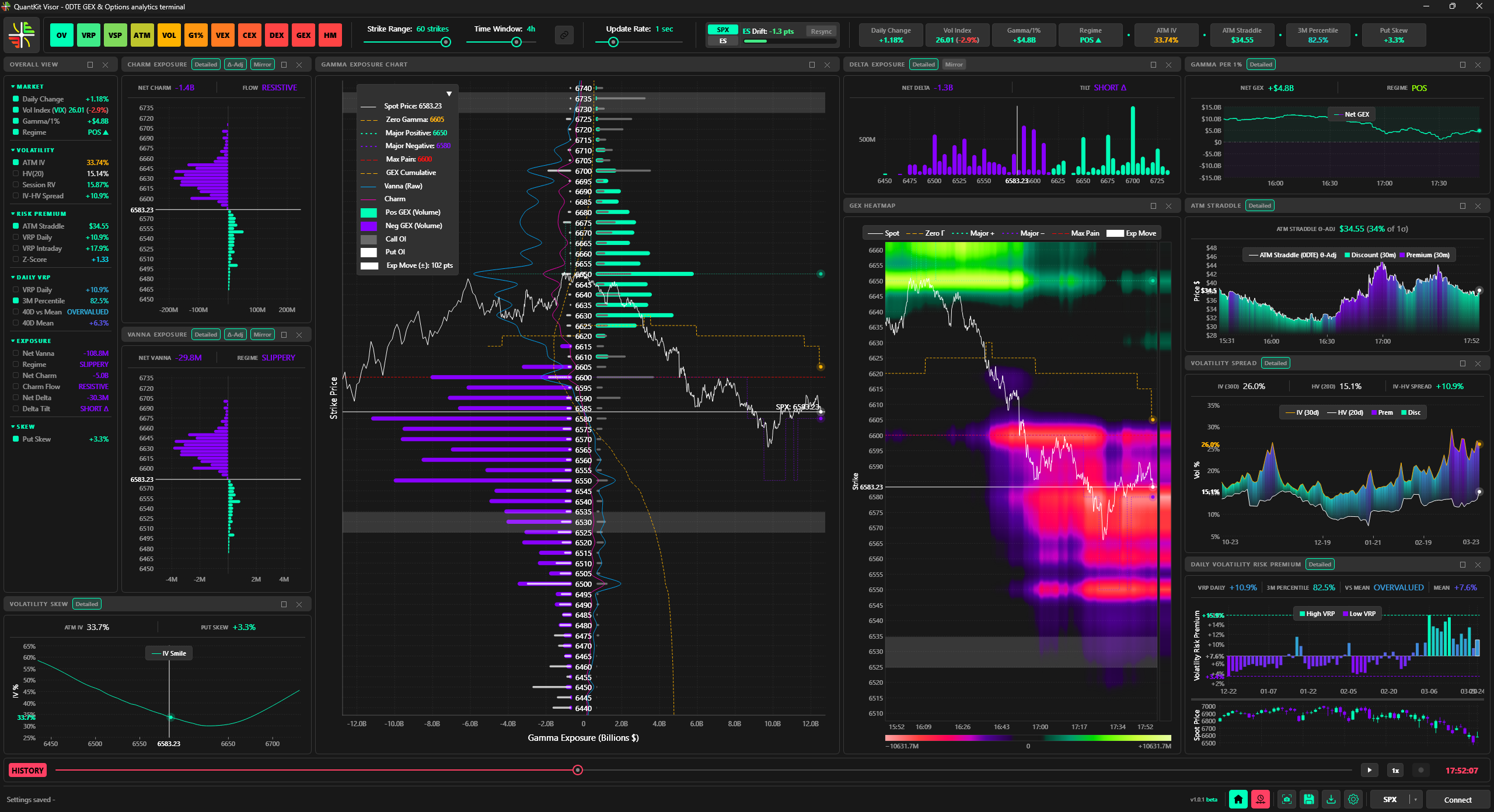
0DTE GEX & Options analytics terminal. Connect via IBKR or GexBot.
Connect via Interactive Brokers (TWS/Gateway) or GexBot API. Switch between them live without restarting.
Every session recorded automatically to a local database. Scrub, step, and replay at variable speed, with playback that looks identical to live.
SPX, NDX, RUT, ETFs, futures, and more, across both data sources. Built-in futures price conversion included.
Dockable, floatable, multi-instance panels: open up to three of each type simultaneously. Per-panel settings, 7 themes, and a persistent layout.
Streamed live off your own data connection, down to the tick where your feed supports it. Not a periodic snapshot from a shared third-party feed.
A lightweight desktop app, not a browser dashboard. No tab lag, no dependence on a remote server staying up, fully customizable to how you trade.


Pick the data source that fits your setup, and switch between them live without restarting.

Connect through TWS or IB Gateway using your own brokerage data.
Requires an IBKR account (live or paper) with TWS or Gateway running.

Connect with a GexBot API key. No brokerage account needed.
Requires an active GexBot subscription and API key.
Shared on both feeds: VFlip computed the same way, daily volatility context (HV20, expected move, VRP), built-in futures price conversion, and full session recording with replay.
Visor pulls in the full options chain, across every strike and expiration, and distills it into a clear, real-time read of the day's market structure. See where dealer hedging creates support and resistance, what regime the market is in, and whether volatility is priced rich or cheap, all in one workspace.
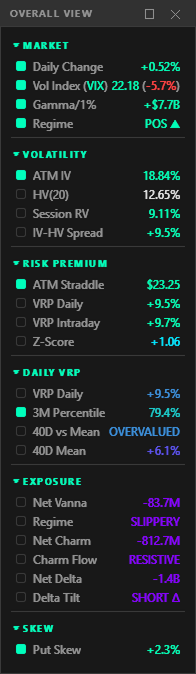
Gamma, Vanna, Charm and Delta show where dealers are forced to buy or sell as price, volatility and time shift their hedges, the mechanical forces behind support, resistance and acceleration.
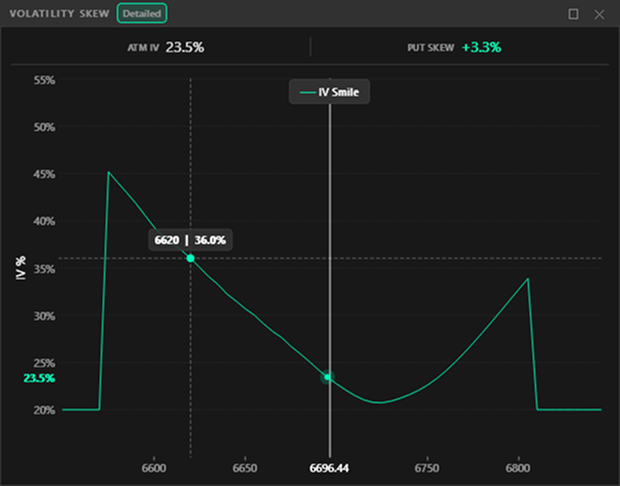
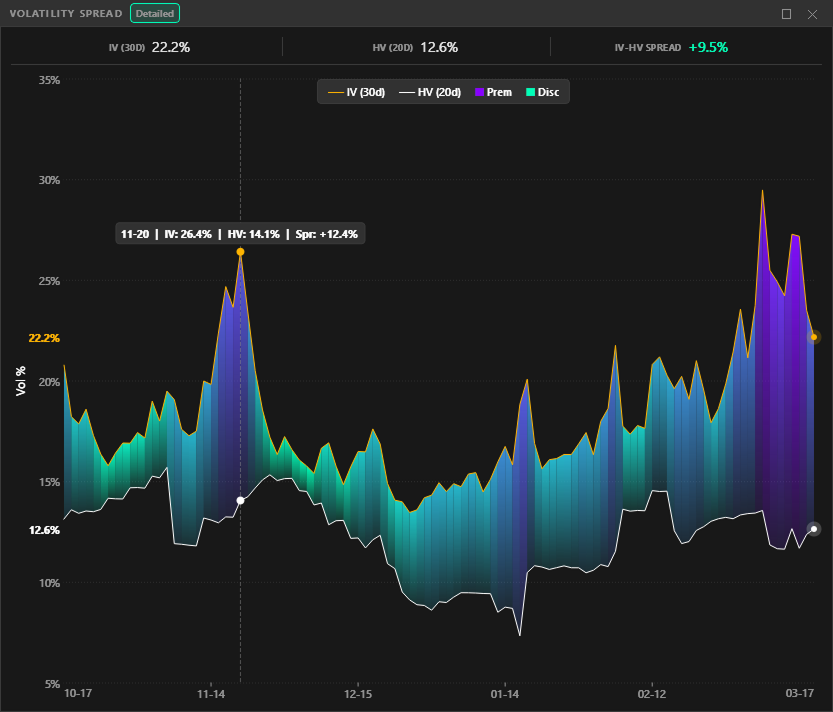
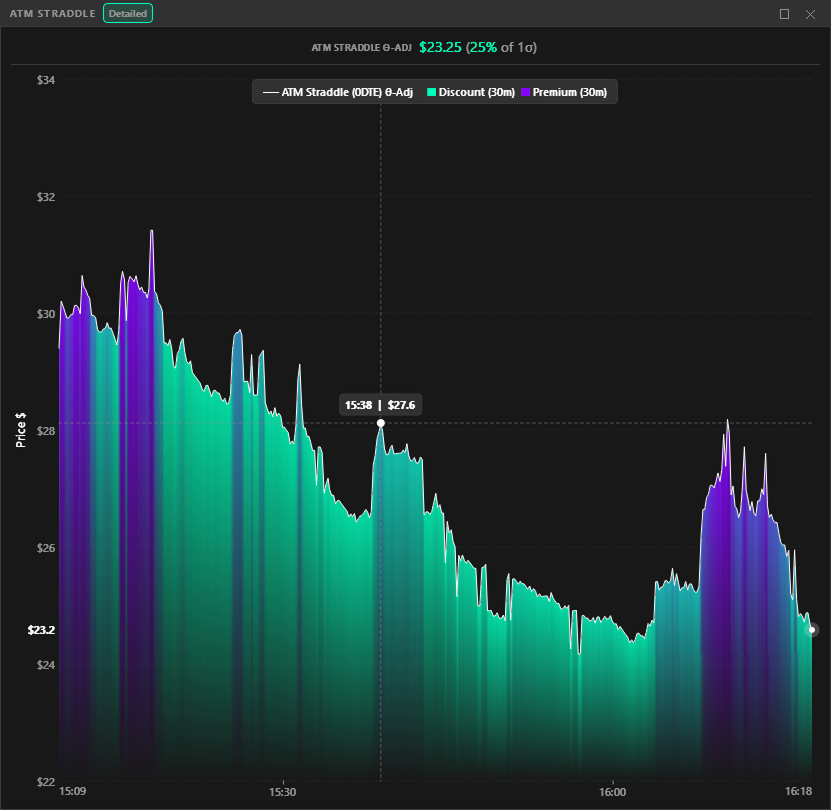
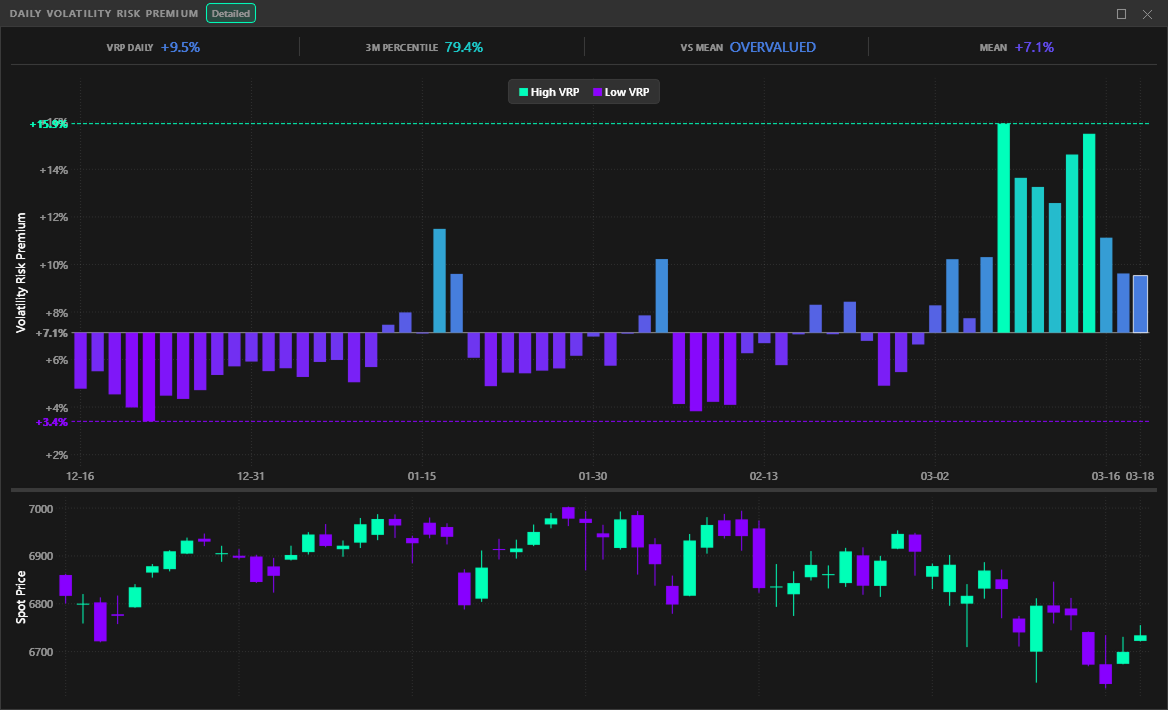
Skew, the IV/HV spread, the ATM straddle and daily VRP show whether options are priced cheap or rich relative to what the market is likely to do that day.
Feedback from Visor users

"Great addition to my day trading toolset using the tws. Allows me to have realtime SPX gex visualization using my datas without paying for another 60$+ service."
"I've been wanting to introduce GEX reading into my trading and this little tool is exactly what I was looking for as a future daytrader and interactive broker user."
"La beta a déjà une sacrée gueule - pro, fluide et léger - hâte de voir la suite ! merci"

"Works perfectly! The documentation is so well-organized that there's practically no learning curve."
Full access to all features. No commitment.
Full access to all features
Full access to all features
Just $6.25/week, billed monthly
The pricing table above does not include taxes. Final prices will be shown during checkout.
Find quick answers to common questions about Visor
Visor is a real-time GEX and options analytics terminal for Windows. It surfaces dealer positioning mechanics, including gamma exposure, vanna, charm and delta, as precise live visualizations, and records every session for full replay. Built for 0DTE daytraders who want a clear read on where dealers are forced to hedge, whether or not they trade options.
Visor supports two data feeds: Interactive Brokers (IBKR) via TWS or Gateway, and GexBot via API key. You can switch between them live without restarting. An IBKR account is not required, since GexBot users can run Visor with no brokerage connection.
On IBKR: SPX, NDX, RUT, ESTX50, ETFs (SPY, QQQ, IWM, GLD, SLV), and futures (ES, NQ, CL). On GexBot: SPX, NDX, RUT, and ETFs including SPY, QQQ, IWM, GLD, SLV, DIA, and USO. Both feeds include built-in futures price conversion.
Yes. Gamma exposure reveals key support and resistance levels created by market makers hedging their positions. This helps you make more informed decisions even if you only trade the underlying futures or ETFs.
Yes. On IBKR, Visor falls back to delayed data (15-minute delay) when you're not subscribed to real-time feeds. On GexBot, data arrives through GexBot's own feed. You can also try Visor with no data connection using the built-in sample sessions: real recorded data, no account needed.
Windows 10 or 11 and a stable internet connection. For IBKR: an active account (live or paper) with TWS or IB Gateway running. For GexBot: an active GexBot subscription and API key. No IBKR account needed if you use GexBot.
All subscribers get access to our Discord community for questions, ideas, and direct help from the QuantKit team. You can also email us at [email protected]. For setup and getting started, check out the documentation.
Request a 7-day free demo.
No account yet? Visor ships with built-in sample sessions, real recorded data, no data feed needed, so you can try it before connecting anything.